How System Lag in EHRs Kills Efficiency and Patient Flow

Doug Jorgensen
May 1, 2025
Introduction: When Every Click Feels Like an Hour
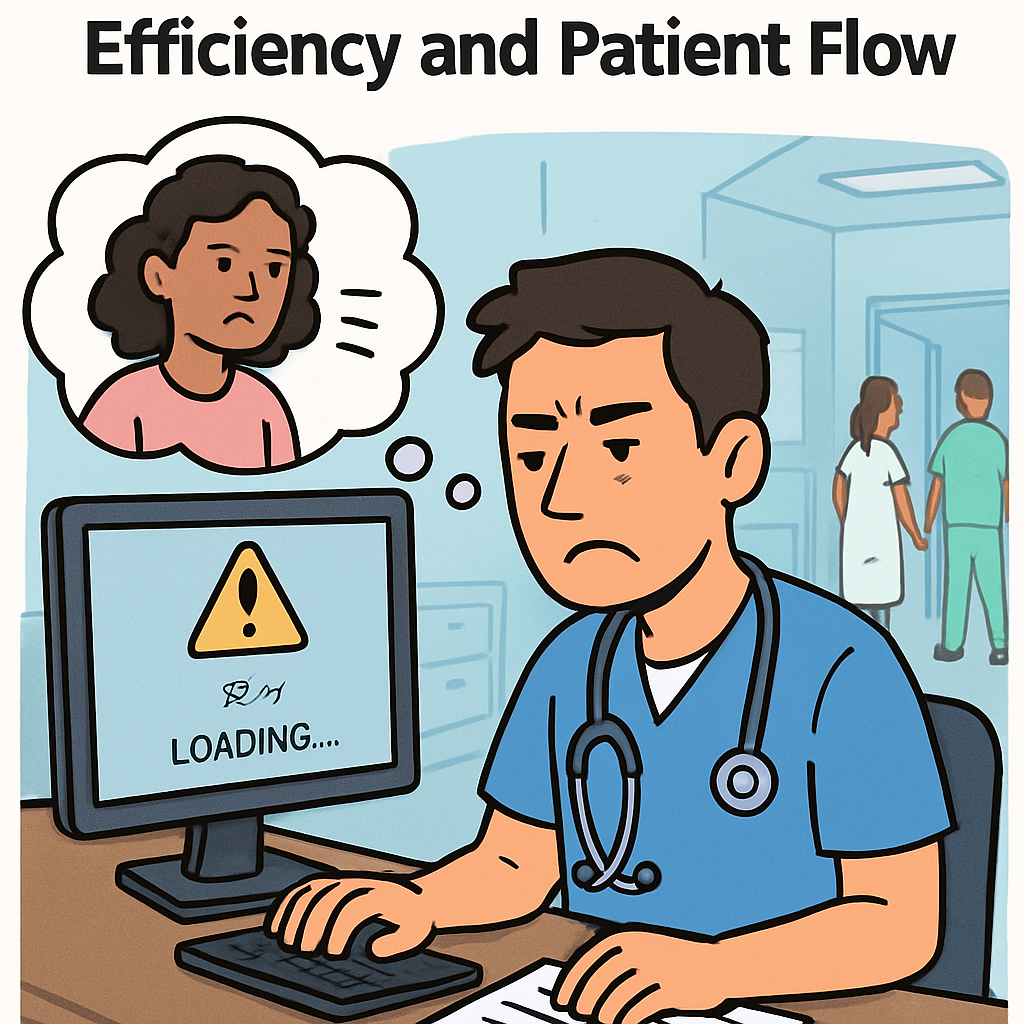
In modern medicine, we accept a certain amount of technology overhead. But when your Electronic Health Record (EHR) system runs slow, it doesn’t just frustrate providers—it bottlenecks the entire clinic.
In healthcare, time isn’t just money—it’s patient care.
Step 1: The Ripple Effect of EHR Lag
- Longer Patient Encounters – What should be a five-minute note can become a fifteen-minute ordeal.
- Reduced Patient Volume – Slow systems directly limit how many patients you can see in a day.
- Staff Bottlenecks – Nurses, MAs, and scribes are forced to wait for the system to respond before completing tasks.
- Delayed Results and Orders – Lab requests, prescriptions, and imaging orders take longer to enter and process.
Step 2: Causes of EHR Lag
- Outdated Hardware – Old computers, insufficient RAM, or slow processors.
- Poor Network Performance – Weak Wi-Fi or overloaded internet connections.
- Inefficient EHR Design – Overly complex screens or unnecessary steps.
- Server Issues – Shared hosting, lack of load balancing, or insufficient bandwidth from the EHR vendor.
Step 3: The Patient Experience Impact
When the system lags:
- Patients notice you looking at the screen more than at them.
- Appointments run behind, increasing wait times.
- You have less time for conversation, education, and rapport-building.
Step 4: The Compliance and Safety Angle
- Data Entry Errors – Lag can lead to double-clicking, skipped fields, or incomplete notes.
- Delayed Order Entry – In critical care settings, seconds matter.
- Audit Vulnerability – Incomplete documentation caused by system lag can still count as noncompliance.
Step 5: How to Reduce EHR Lag
- Upgrade Hardware – Ensure workstations meet or exceed the EHR’s recommended specs.
- Optimize the Network – Use wired connections where possible; upgrade routers and bandwidth.
- Simplify Workflows – Remove unnecessary pop-ups, screens, or redundant data fields.
- Schedule Regular Maintenance – Clear caches, update software, and perform system health checks.
- Work With the Vendor – Demand performance metrics and hold them accountable.
Step 6: Contingency Planning
- Have downtime procedures ready for when the system slows to a crawl or crashes entirely.
- Train staff on paper workflows to prevent total standstill.
- Document system issues for potential vendor support or contract negotiations.
Common Mistakes to Avoid
- Accepting lag as “just the way it is.”
- Blaming staff for delays when the system is the bottleneck.
- Skipping regular updates because “we don’t have time.”
- Ignoring the financial impact of lost productivity.
Final Thoughts: Speed Is a Safety Issue
EHR performance isn’t a luxury—it’s a patient care imperative.
A lagging system wastes provider time, frustrates patients, and can even compromise safety.
If your EHR moves slowly, so does your care. And in medicine, slow care can be unsafe care.
About the Author
Douglas J. Jorgensen, DO, CPC, FAAO, FACOFP
Dr. Doug is a physician, consultant, and national educator on healthcare efficiency, technology optimization, and compliance. He helps organizations streamline their EHR workflows to improve patient flow, reduce frustration, and increase revenue.